
Signal
Signal is a free, privacy-focused encrypted messaging app from the Signal Foundation. Signal Desktop 8.28.0 brings your chats to a Windows PC.
Windows
Open source

Viber for Windows is the desktop version of the Viber messenger for chats, voice calls and video calls from your PC.
Average 0.0 · ratings: 0
Thank you! Your rating is saved; you can change it. Could not save the rating. Please try again later. Too many ratings from your network today. Please try again tomorrow. The average appears after 5 ratings.
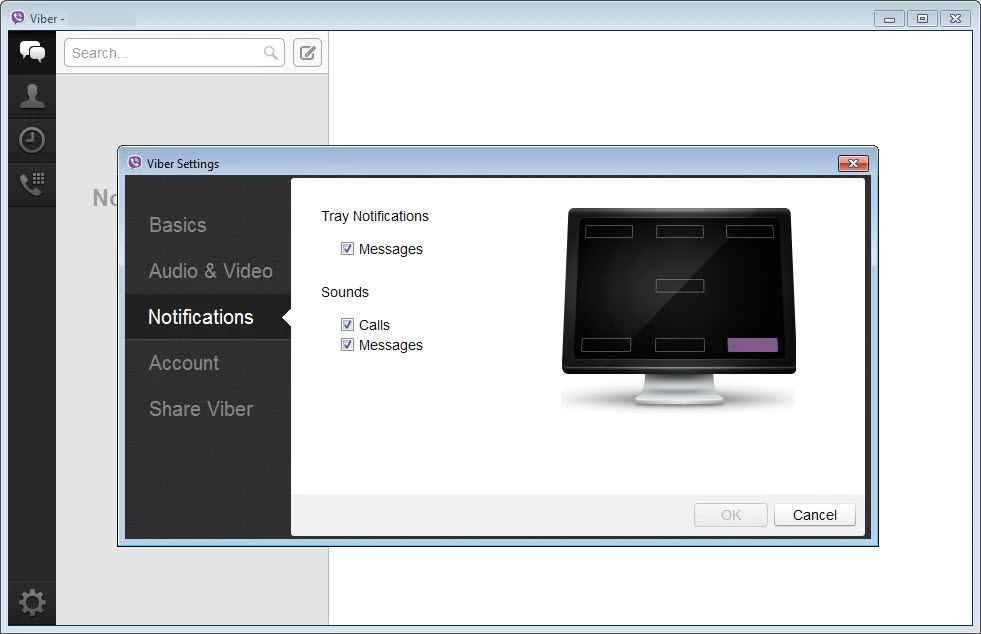
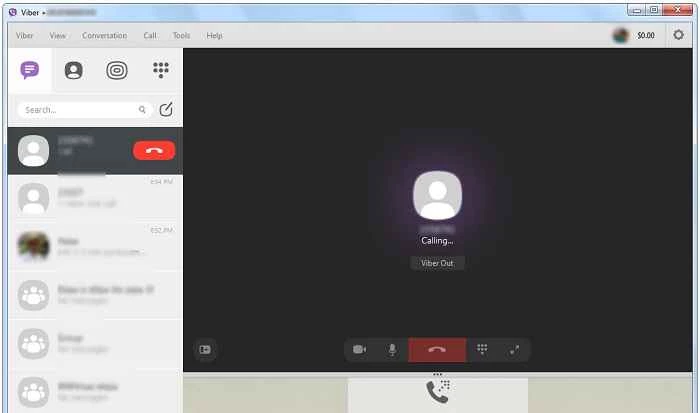
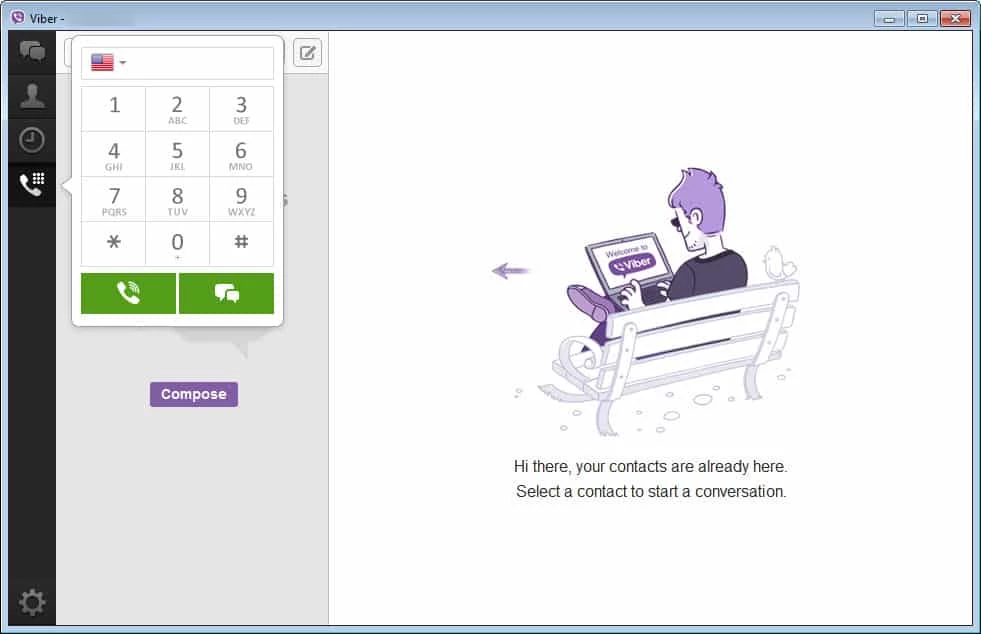
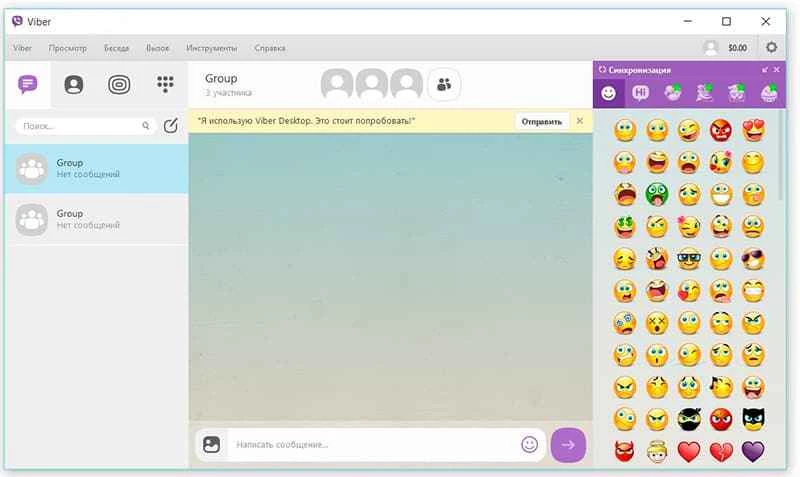
Viber 28.7.0.0 is the Windows desktop version of the Viber messenger from Viber Media, part of Rakuten Group. It brings your chats, voice calls and video calls to the PC and works together with Viber on your phone; you can download Viber for Windows from viber.com or the Microsoft Store.
| Item | Details |
|---|---|
| Version | 28.7.0.0 (September 2026) |
| Developer | Viber Media (Rakuten Group) |
| Windows | Windows 10 64-bit version 1607 or newer, Windows 11 |
| Other desktop systems | macOS 11.0 Big Sur and above; Linux Fedora and Ubuntu 64-bit |
| Launched | 2010 |
| Price | Free |
| Size | about 2.55 MB according to catalogue data |
Viber began in 2010 as an app for free calls over the internet and grew into a full instant messaging client. Your account lives on the phone, and the desktop app is linked to it, so the same conversations appear on both devices. On a PC you get a full keyboard for long messages, easier sharing of documents from your folders and a larger window for video calls. The app is classed as a softphone as well as a messenger, which reflects its roots: calls are as central as chats. For people whose friends and family use Viber, the desktop version is simply a more comfortable way to stay in touch during the working day without reaching for the phone every few minutes.
Supported systems are listed in Viber's help article; Viber notes that updates and support for Linux are limited.
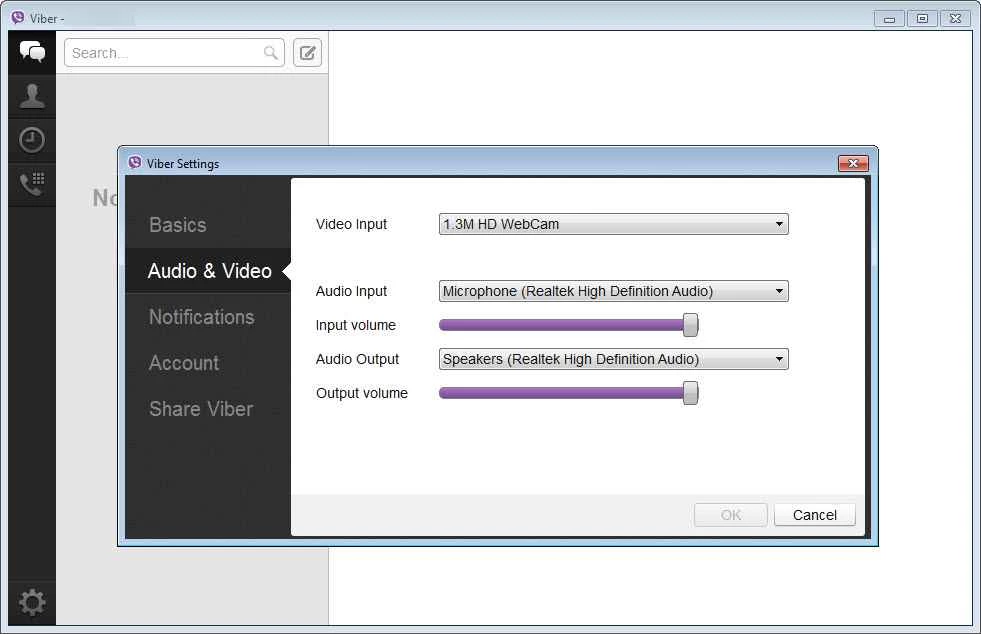
Poor call quality on a PC usually comes from the network or the audio device, not the app. Close downloads and streaming in the background, move closer to the router or use a cable, and pick the right microphone and speakers in the app's audio settings. Restarting the app after plugging in a new headset helps it detect the device.
Install Viber only from viber.com or the Microsoft Store. Fake installers are used to steal accounts, and messages asking for a code or money should be verified by calling the person. Do not open files from strangers.
Our listings include WhatsApp Desktop, Telegram Desktop, Signal and Zoom Meeting, other programs for messages and calls on Windows.
Signal is a free, privacy-focused encrypted messaging app from the Signal Foundation. Signal Desktop 8.28.0 brings your chats to a Windows PC.
WhatsApp Desktop is the official WhatsApp app for Windows, letting you chat and call from your PC with the account on your phone.

Microsoft Teams is Microsoft's collaboration and video-conferencing app for chat, meetings, calls and shared files at work, school or home.

Zoom Meeting is the desktop client of Zoom's video-conferencing service for calls, webinars, screen sharing and chat on Windows.
Camo Studio is Reincubate's desktop app that turns an iPhone, iPad or Android phone into a high-quality webcam for a Windows PC or Mac.

Google Meet is Google's video meeting app. On Windows it runs from the browser and can be installed as an app, with no separate installer to download.

Facebook for Windows is the desktop app of Meta's social network, with the news feed, groups, pages and notifications in a separate window.

Telegram Desktop is the official Windows client of the Telegram messenger, with chats, groups, channels and file sharing synced from the cloud.

Telegram Web is the browser version of the Telegram messenger: open it on a Windows PC, log in with your phone and chat without installing anything.