
Viber 28.7.0.0 for Android
28.7.0.0 · Viber Media · Page updated
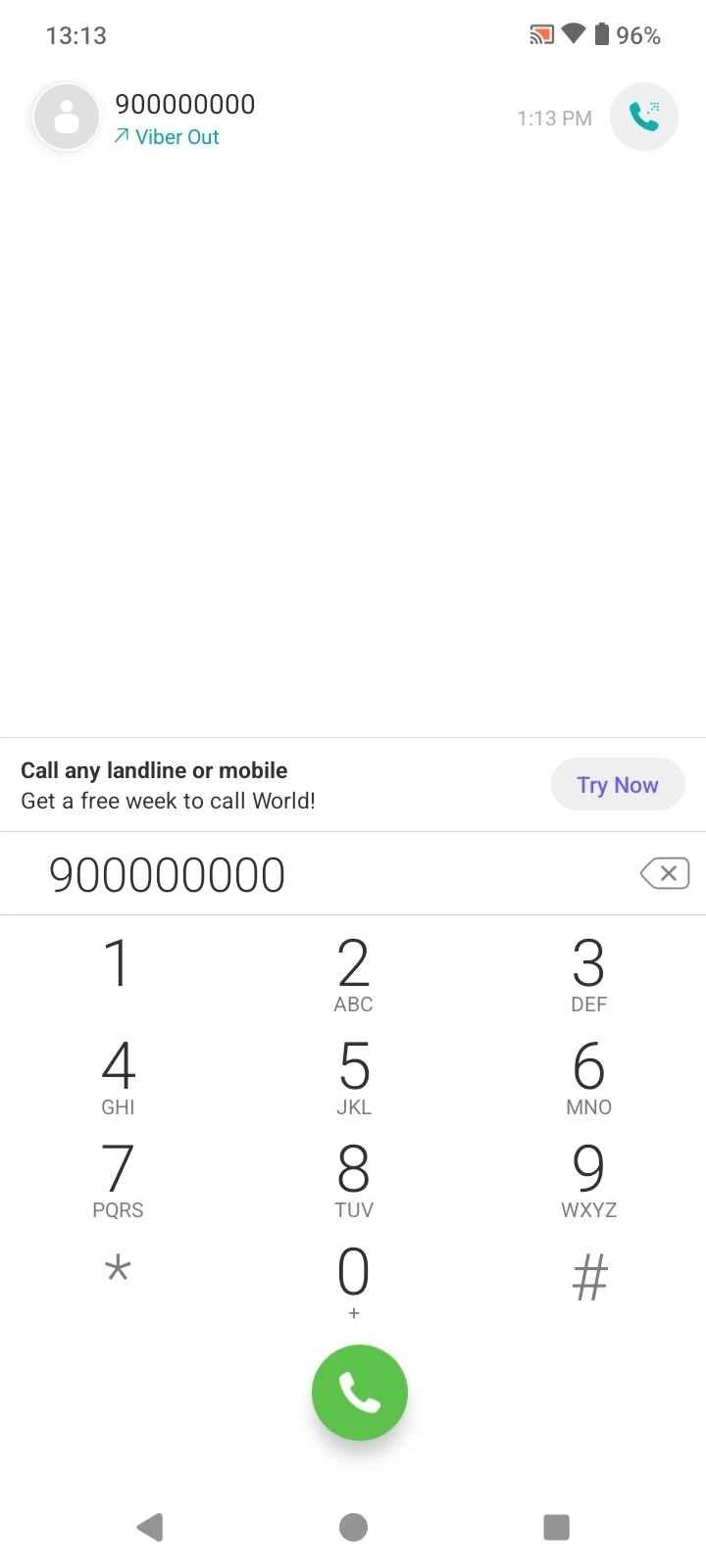
Viber is a free Android messenger from Rakuten Viber for chats, voice calls and video calls over the internet.
Rate Viber
Average 0.0 · ratings: 0
Thank you! Your rating is saved; you can change it. Could not save the rating. Please try again later. Too many ratings from your network today. Please try again tomorrow. The average appears after 5 ratings.
Screenshots
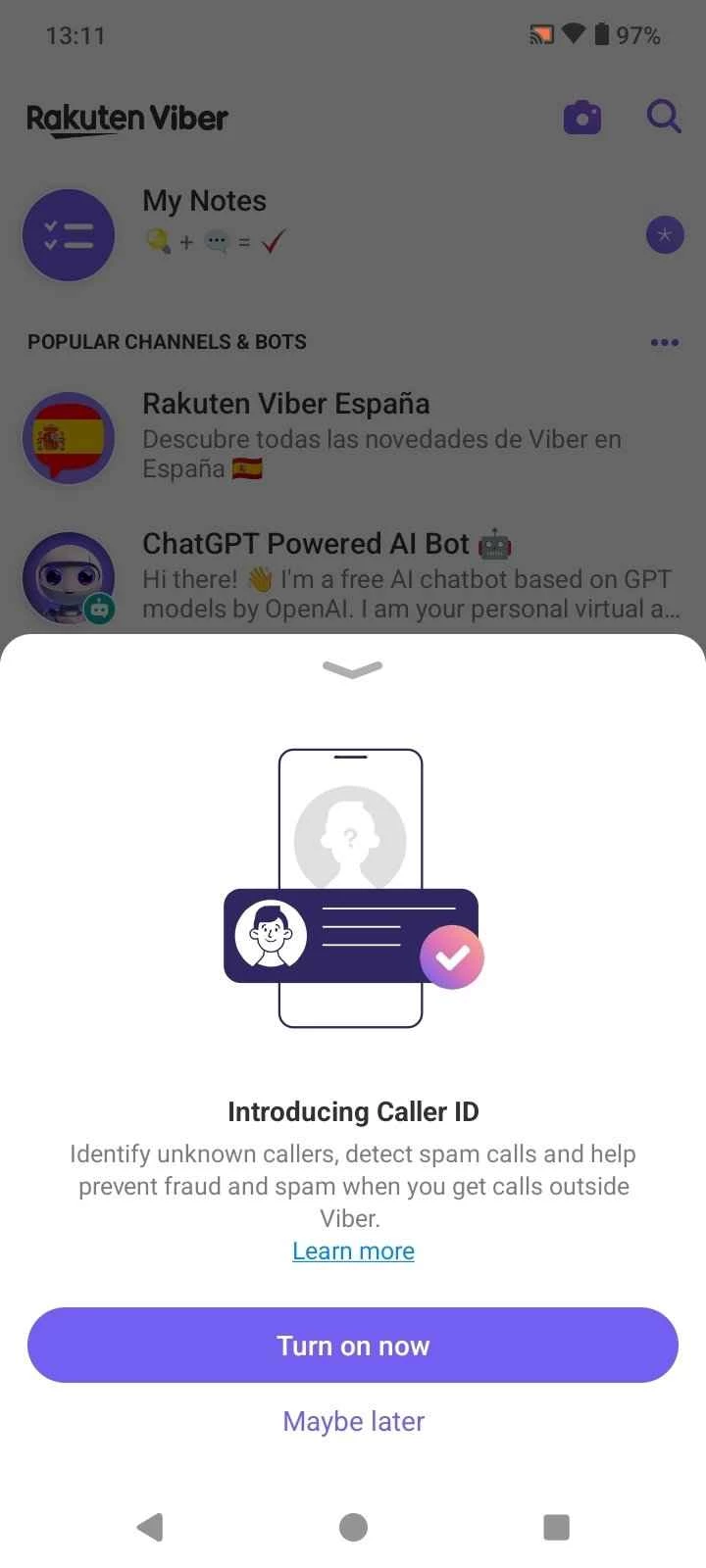
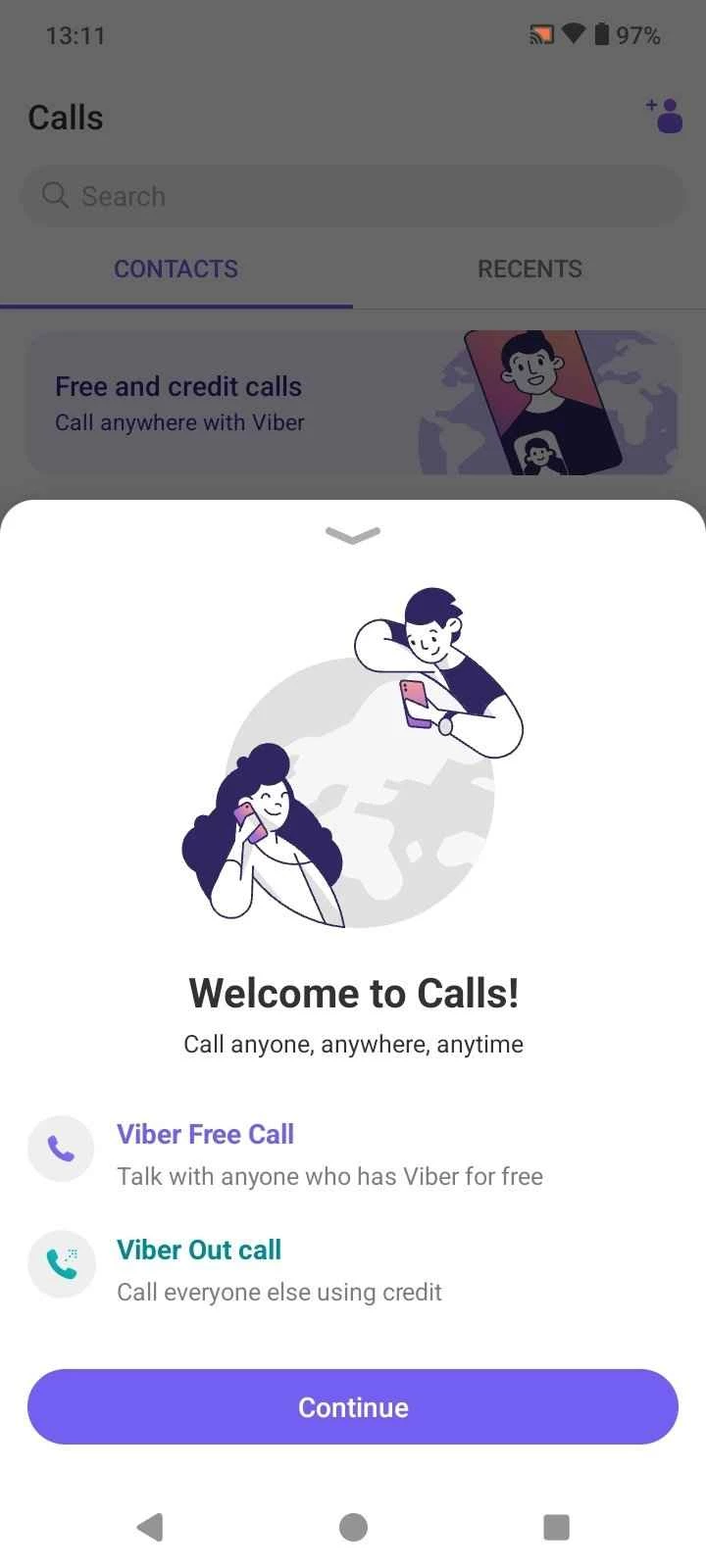
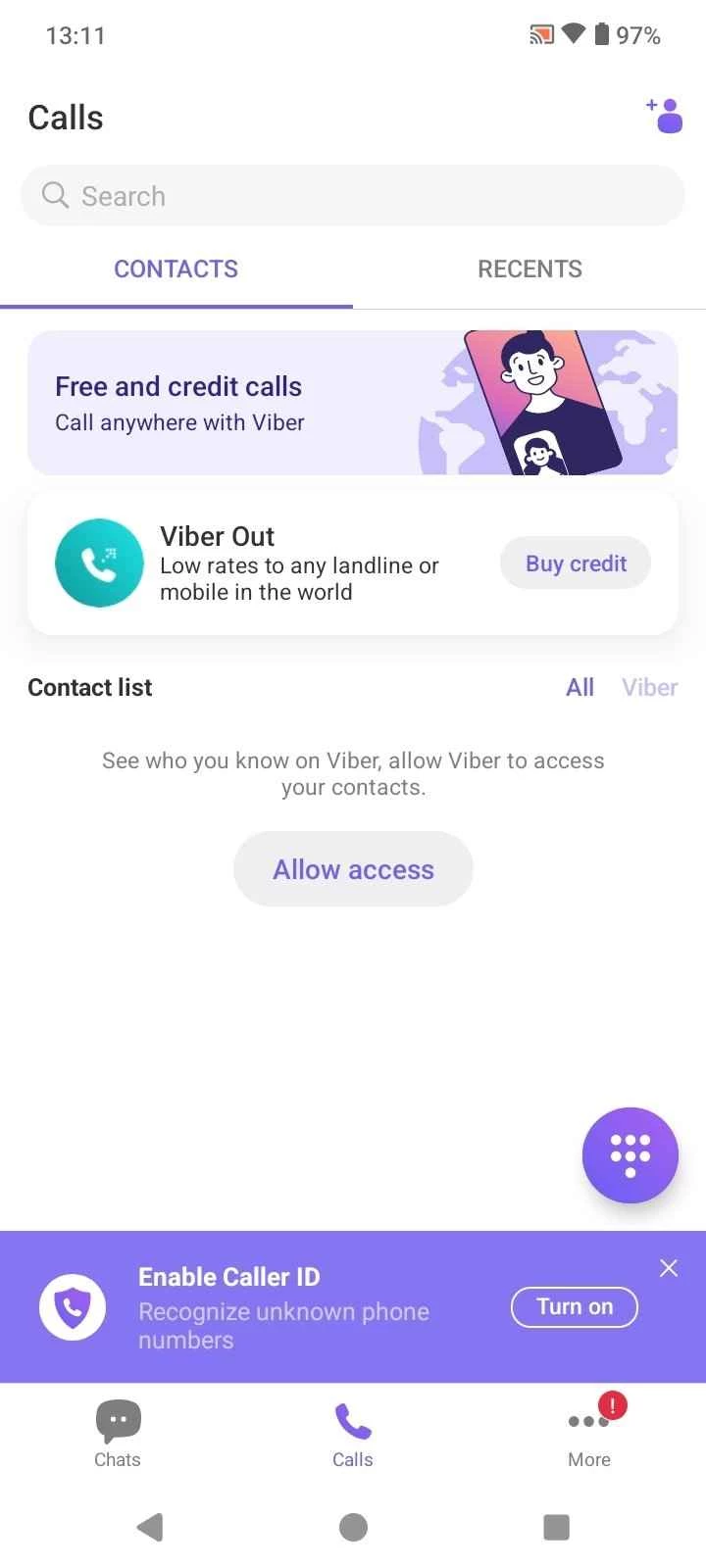
About Viber
Viber 28.7.0.0 is a free cross-platform messenger and internet calling app for Android from Viber Media, part of Rakuten Group. It handles chats, group conversations, voice calls and video calls over mobile data or Wi-Fi, and you can download Viber from Google Play; it runs on Android 6 and above.
Overview
Viber launched in 2010 as a way to make free calls between smartphones over the internet, at a time when international calls were still expensive. It has since become a full instant messaging client, and it is also described as an online community because people gather in groups there. Your account is tied to your phone number, which means that people who have your number in their contacts can find you on Viber without exchanging usernames. The phone remains the main device, while desktop apps for Windows, macOS and Linux can be linked to the same account. For many users the choice between Viber and other messengers depends less on features than on where their friends and family already are: a messenger is only as useful as the people you can reach on it.
Requirements and key facts
| Item | Details |
|---|---|
| Version | 28.7.0.0 (September 2026) |
| Developer | Viber Media (Rakuten Group) |
| Android | Android 6 and above |
| Other platforms | iOS, Windows, macOS, Linux |
| Launched | 2010 |
| Price | Free |
| Size | about 363.66 MB according to catalogue data |
How to install it
- Open the Viber page on Google Play and tap Install.
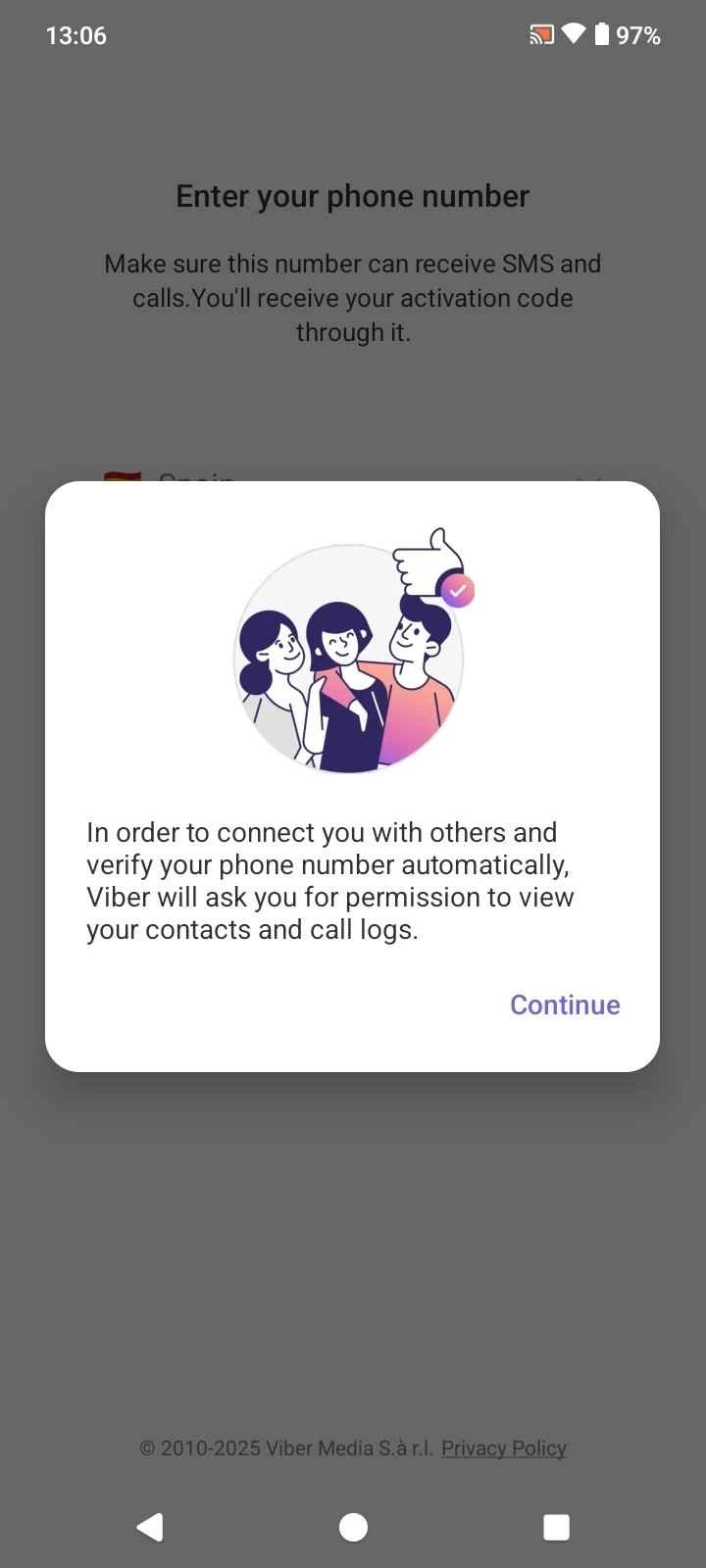
- Launch the app and enter your phone number.
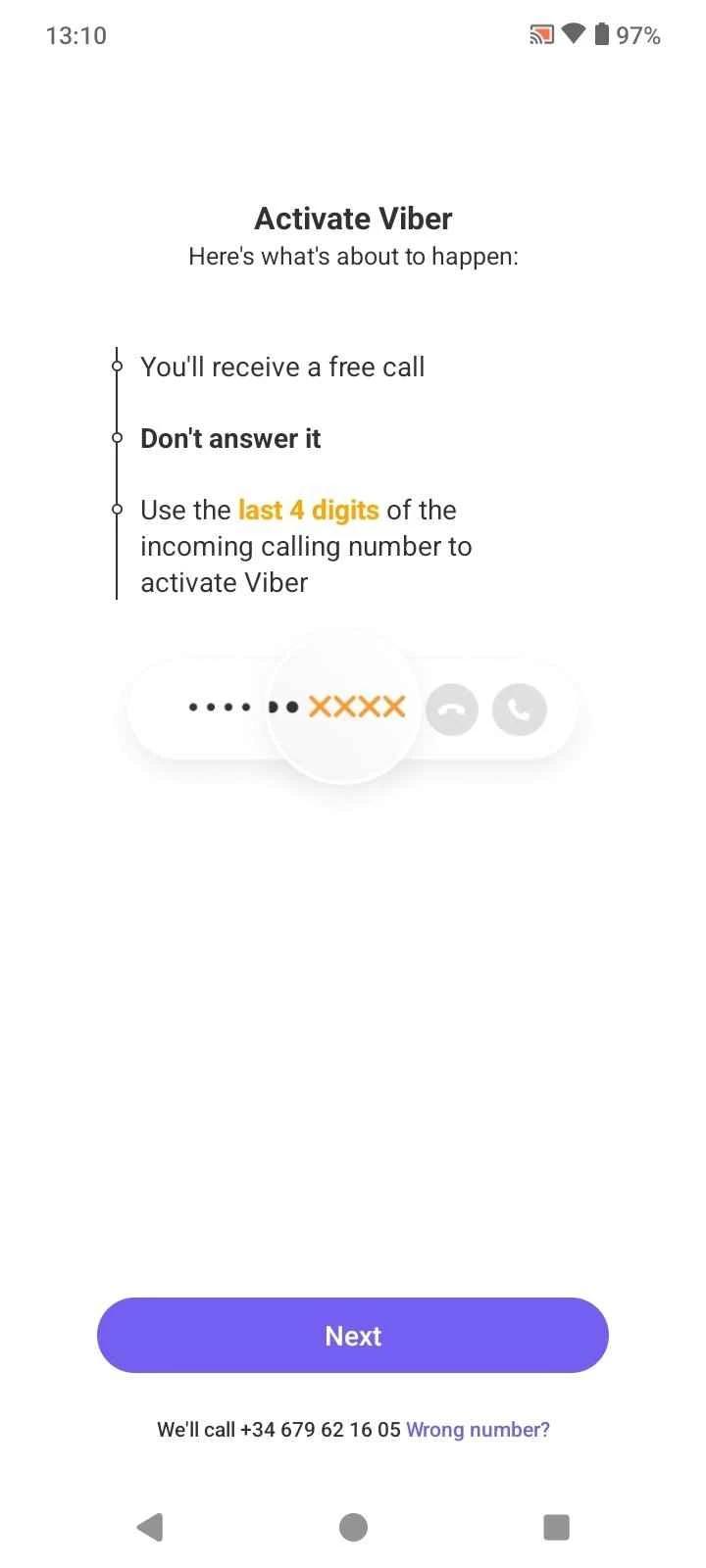
- Confirm the number with the code or call you receive.
- Allow access to contacts if you want to see which of them use Viber.
- Set up a backup of your chats so you can restore them on a new phone.
Viber's supported platforms article lists the requirements for every system.
Privacy and security
Review who can see your photo, online status and phone number in the privacy settings. Be careful with large groups and messages from unknown accounts, which are a common channel for spam and scams. Never share the activation code, and install the app only from Google Play or viber.com.
Data and storage
Media from busy group chats can fill a phone quickly. Check the media download settings, clear old media from time to time and keep an eye on the size of your backups.
Moving to a new phone
Before switching phones, make a fresh backup of your chats and check that it finished. Install Viber on the new device, enter the same phone number and restore the backup when the app offers it. Keep the old phone until you have confirmed that important conversations and media are present, then deactivate the old installation.
Pros and cons
- Pro: free chats and calls over the internet.
- Pro: desktop apps linked to the same account.
- Pro: works on older Android versions.
- Con: large app with a lot of extra content.
- Con: account tied to a phone number.
Alternatives
Our listings include WhatsApp Messenger, Telegram, Line, WeChat and Facebook Messenger, other messaging apps for Android.